Notebook

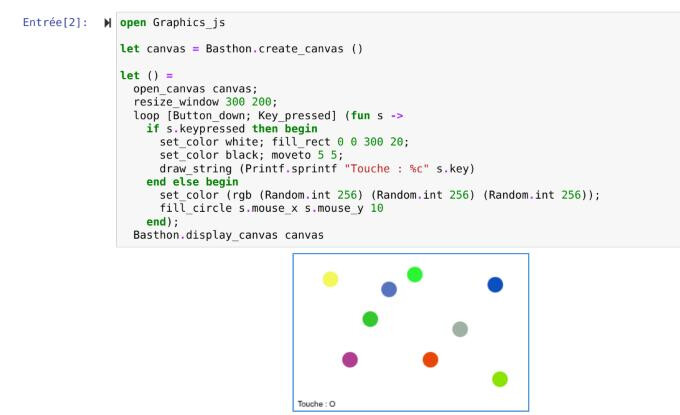
Interactive and animated OCaml canvases
In Basthon's OCaml kernel, a Graphics_js canvas once shown stays alive after the cell has run. It reacts to the mouse and the keyboard with loop, mouse_pos or read_key, and can be animated with Lwt.
It works in the console as in the notebook, including with isolated kernels.
Interactive matplotlib figures
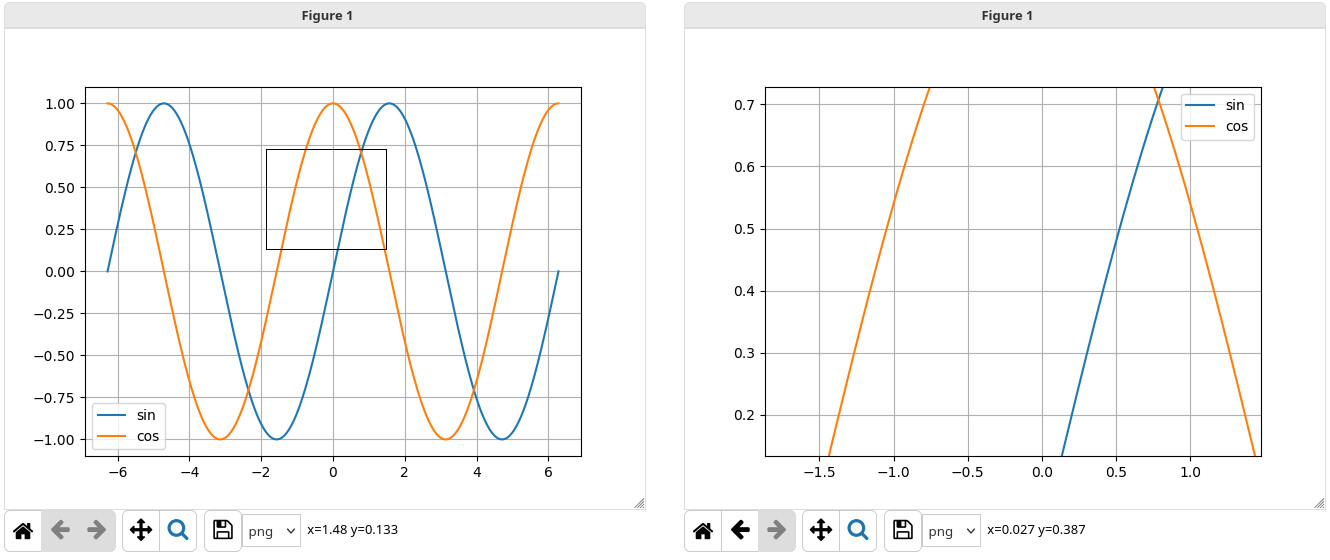
With isolated kernels, Basthon's matplotlib figures become interactive: zoom, pan, back to previous views, coordinates shown under the mouse… The figure is computed in the kernel, then shown in an isolated frame, with its toolbar.
Mouse and keyboard events (mpl_connect) and animations work too, and the figure is exported as PNG, SVG or PDF with the download button.
MathJax 4
Basthon's notebook moves to MathJax 4 to display the mathematical formulas written in LaTeX in Markdown cells. Another novelty: MathJax is now only loaded when the notebook holds maths. Notebooks without any open faster!

p5 in isolated kernels
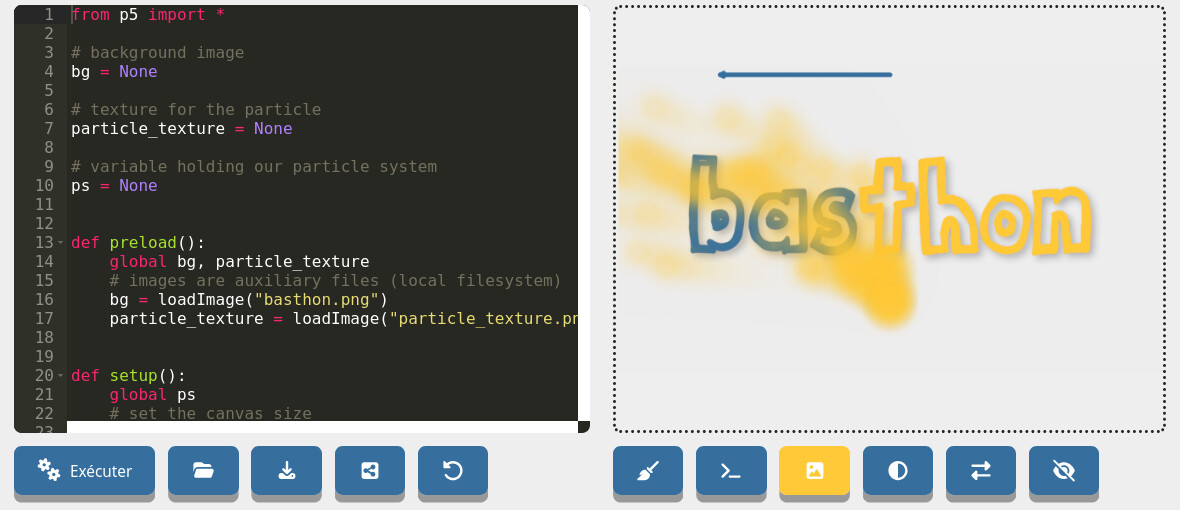
The p5 module now works with Basthon's isolated kernels. The drawing is computed in the kernel, then shown in a frame isolated from the page, which passes it the interactions: mouse, keyboard and touch screen. Images (loadImage) and HTML elements (createButton, createSlider…) are supported too.
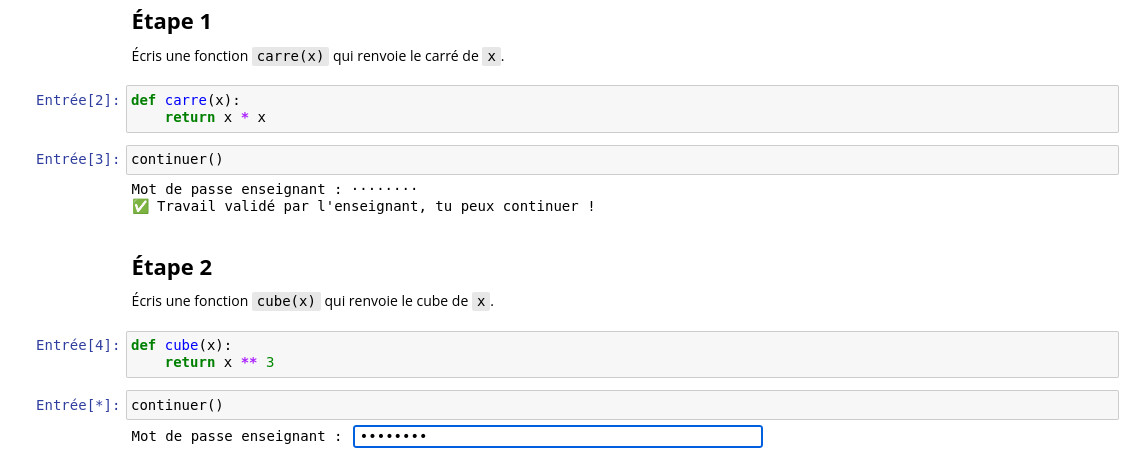
A teacher's password to unlock the rest of the notebook
Basthon's input function can now hide what is typed:
pwd = input("Password: ", password=True)The standard getpass module benefits from it too: getpass.getpass() now shows a real password field.
Combined with the sequenced notebook, this novelty lets the teacher validate each step of an activity, walking around the class and typing their password.