
Documentation
What is Basthon?
Basthon stands for "Bac À Sable pour pyTHON" — a sandbox for Python. It sounds like the French word "baston", a brawl: a nod to the fight that learning to program, writing code or debugging it can sometimes be.
Basthon is used to get started with the Python 3 programming language (and also SQL, OCaml, JavaScript, XCAS, C and R!), with nothing to install. All you need is an up-to-date browser (Firefox, Chrome, Chromium or Edge) and an Internet connection. The Python version is 3.12, provided by Pyodide (Python compiled for the browser).
Astuce
Basthon can be used to get started with other languages than Python! See the Other languages page.
Two interfaces let you use Basthon:
- a "console" interface, Basthon-Console, available at https://console.basthon.fr;
- a "notebook" interface, Basthon-Notebook, available at https://notebook.basthon.fr.


Both interfaces can be reached from the home page of https://basthon.fr. There is also an offline version, Basthon-Desktop, installed on the computer, and a basthon command to use it in a terminal.
Info
For more information on the Basthon project, see the project's page. You will read there, among other things, that Basthon is very respectful of your privacy.
Astuce
A problem? The most frequent ones are on the Troubleshooting page.
Astuce
The best way to discover Basthon may be to browse the gallery of examples and to have a look at the section Examples of use.
Info
Both interfaces of Basthon are "static" sites: your browser does the work, not the server, which only serves files. As a consequence, Basthon costs very little to the server, which can therefore handle a large number of connections, especially when your browser caches the resources.
If you still have a doubt, you can always install Basthon on your own web server: see Hosting Basthon on your own web server.
Examples of use of Basthon
Basthon has a gallery of examples, from which you can load scripts or notebooks that show a few possible uses of Basthon.
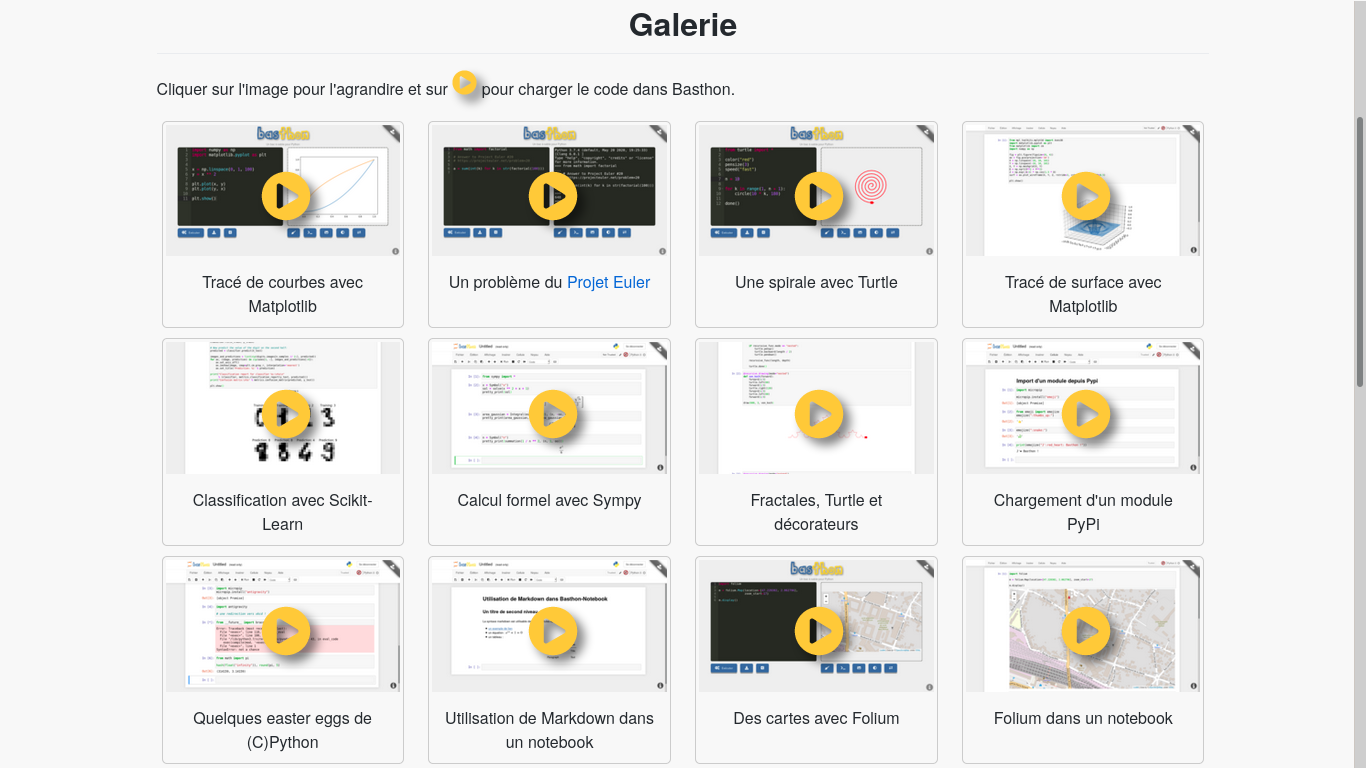
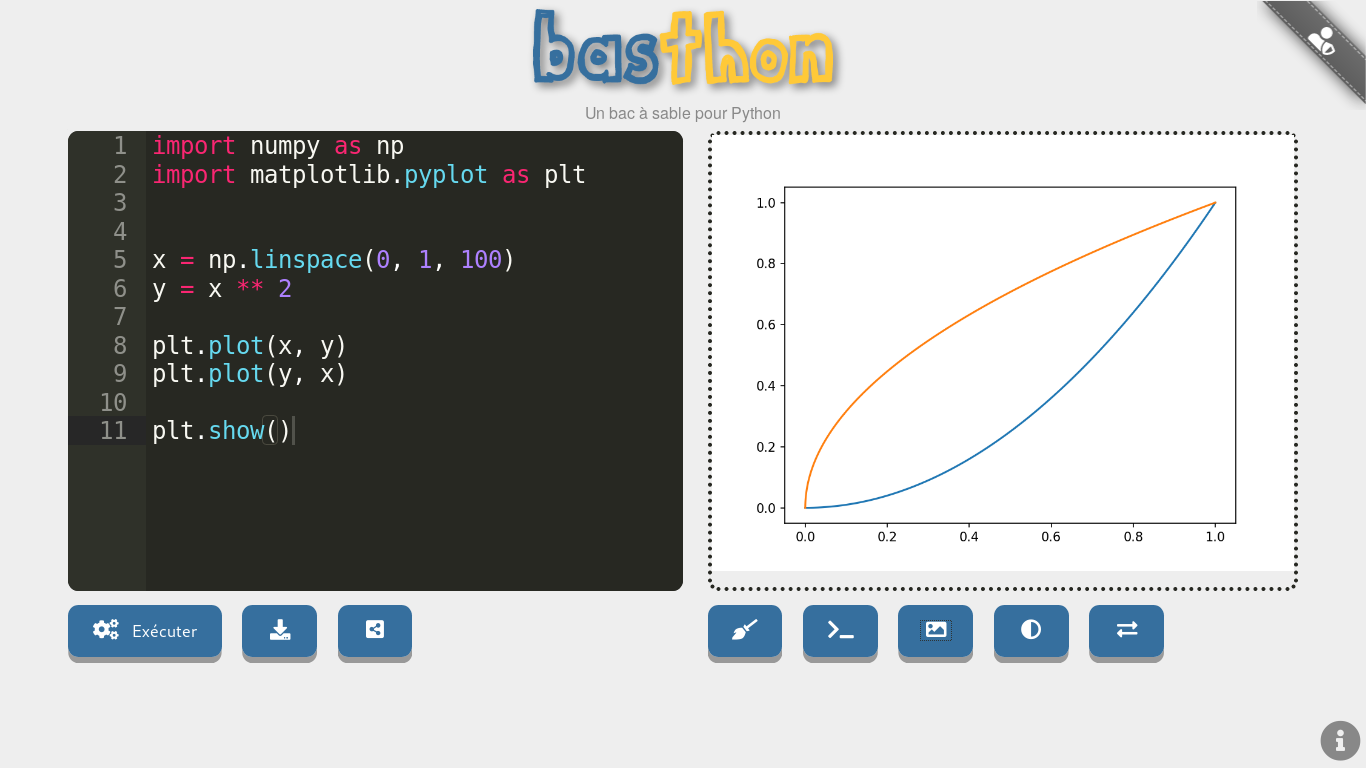
You can for instance plot curves with Matplotlib;
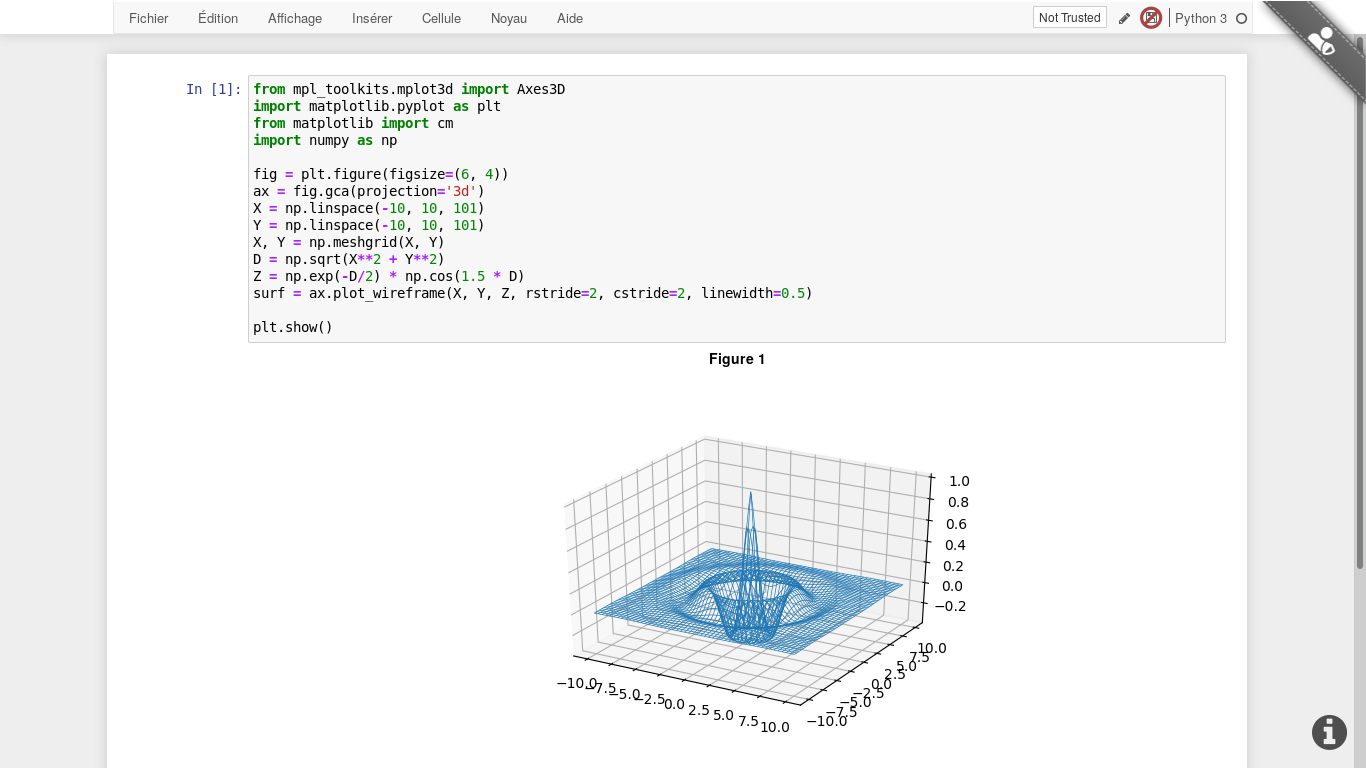
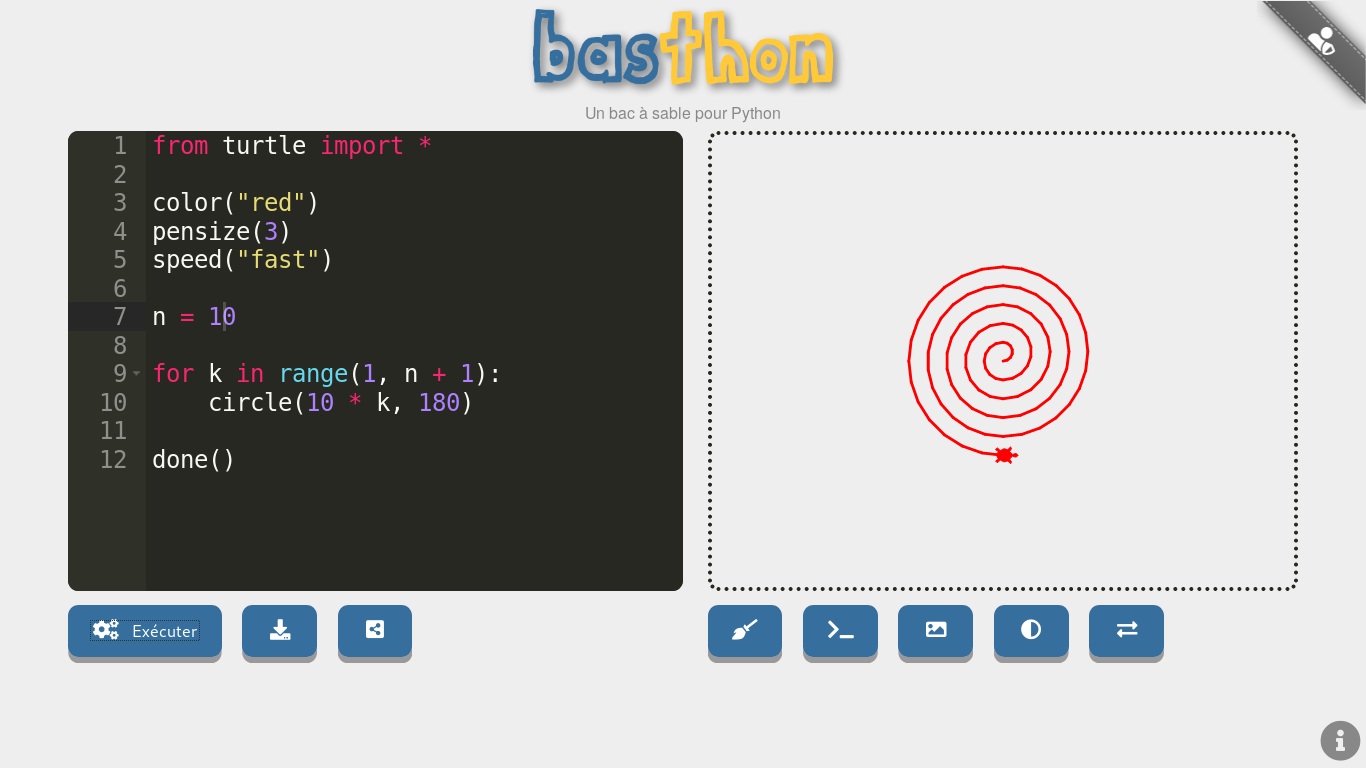
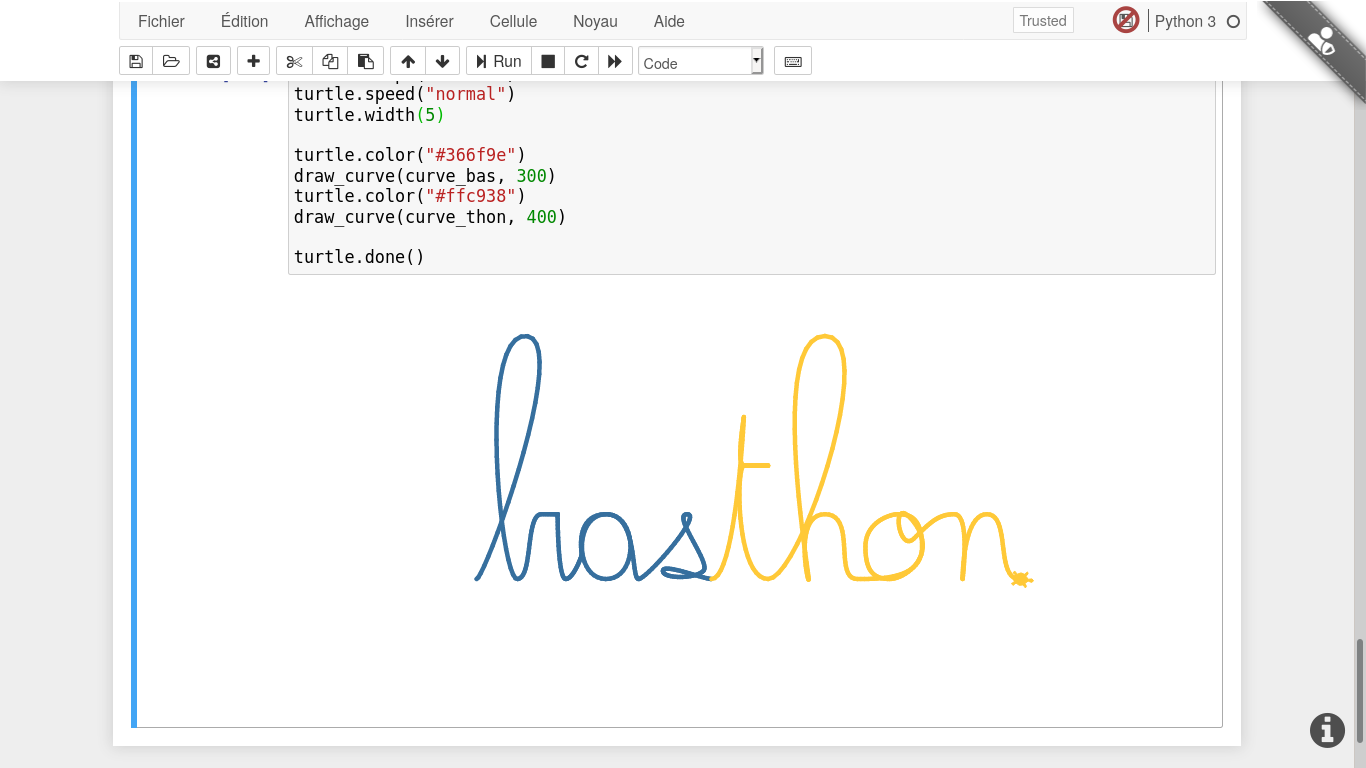
or draw with Turtle;
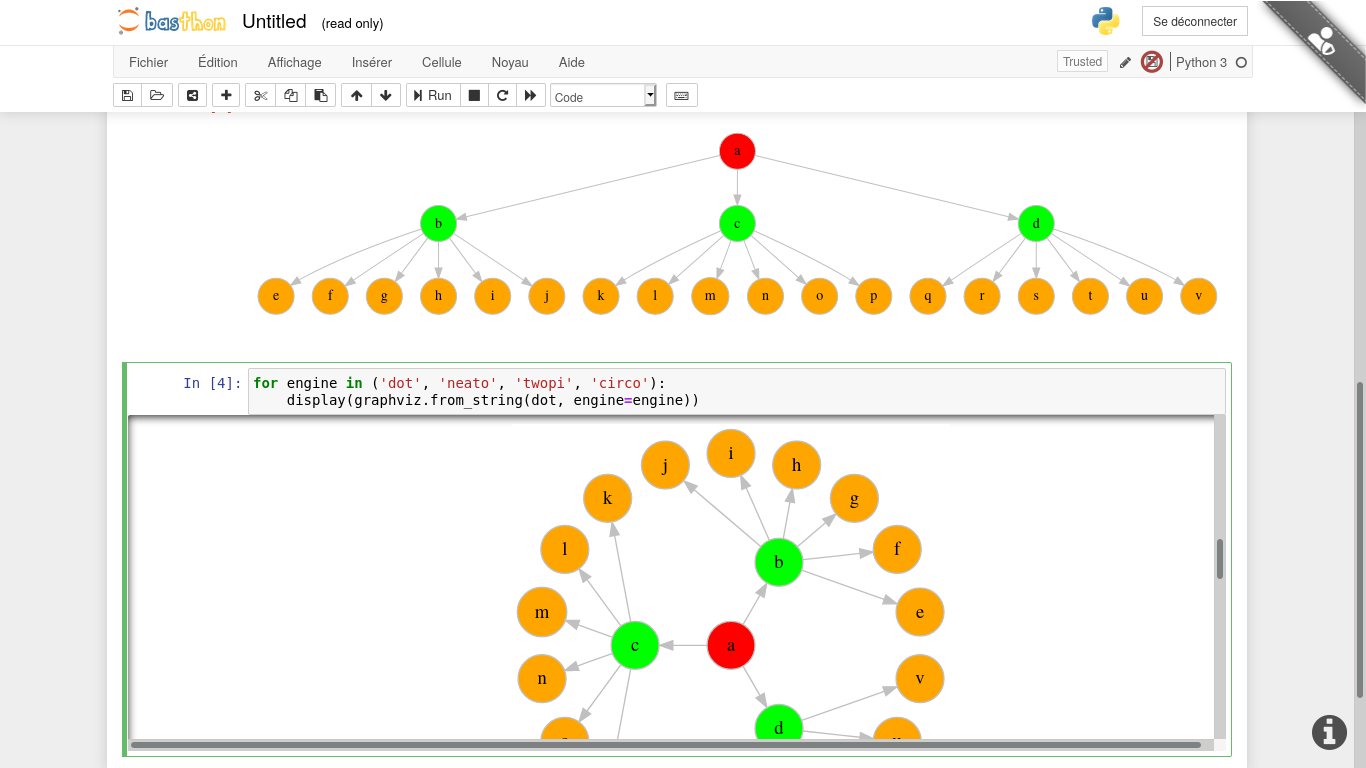
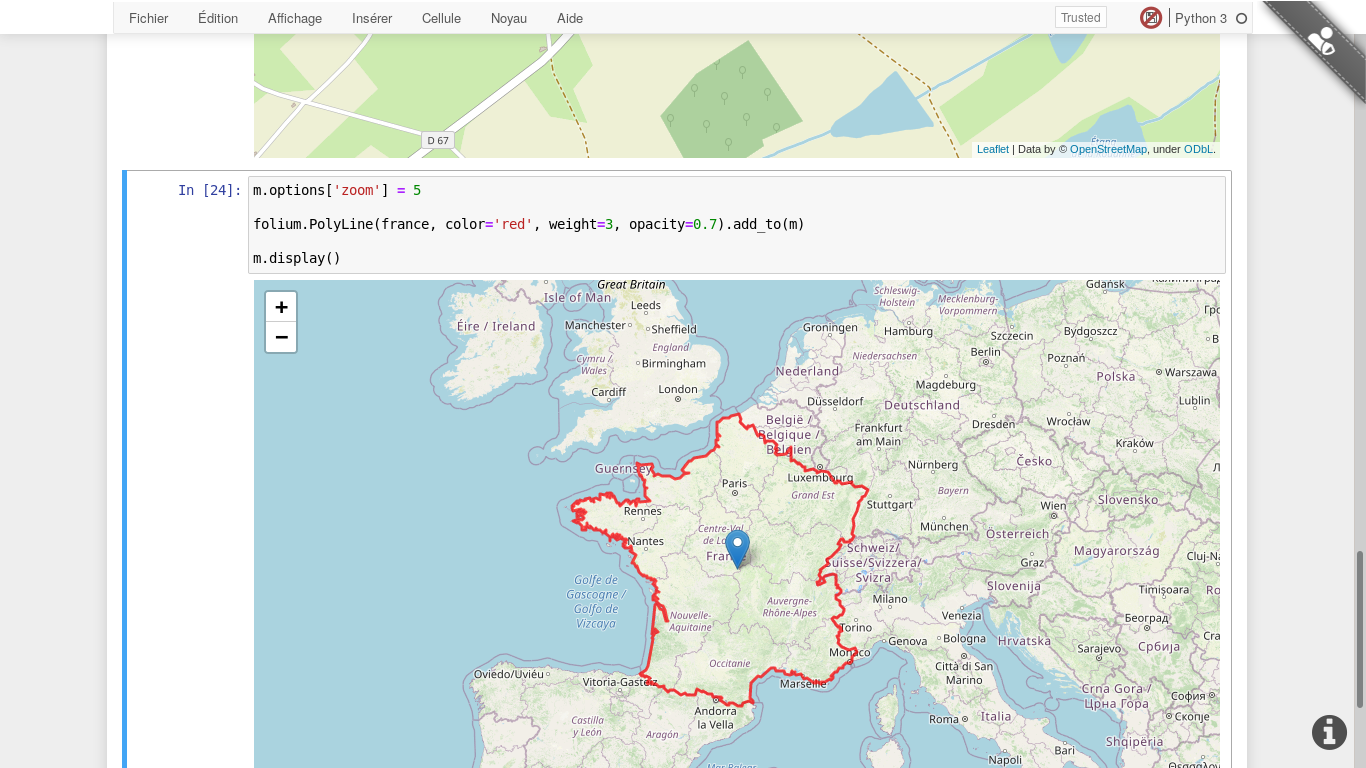
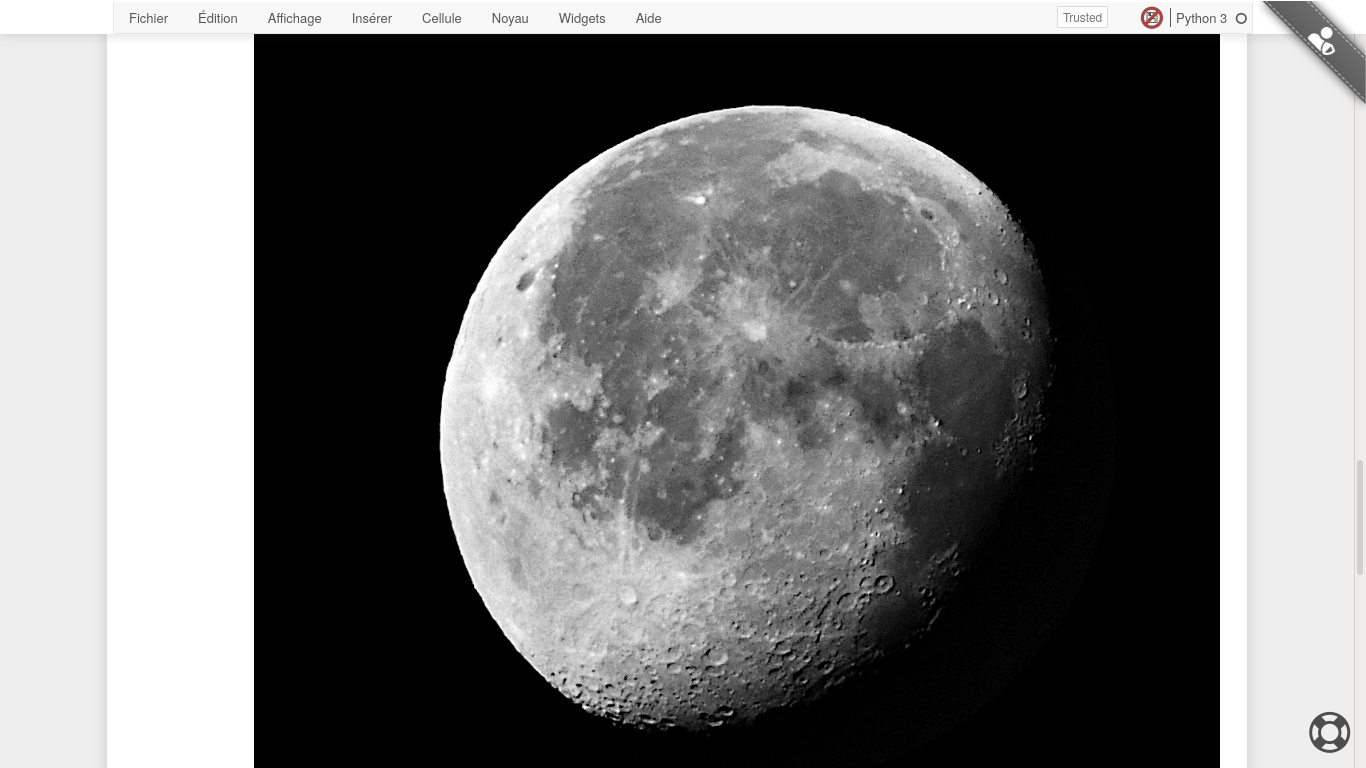
You can also display graphs (with Graphviz), maps and routes (with Folium and Pyroutelib3) or even process images (with PIL).
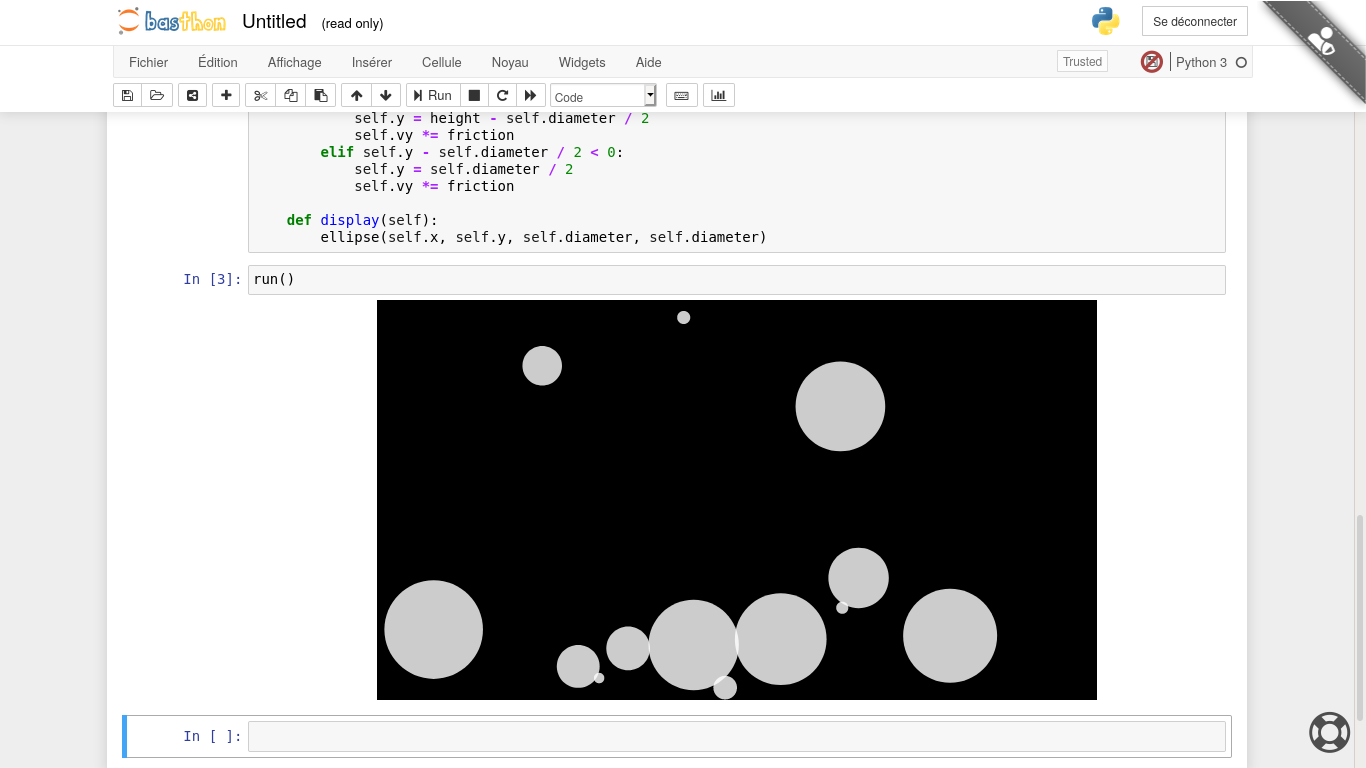
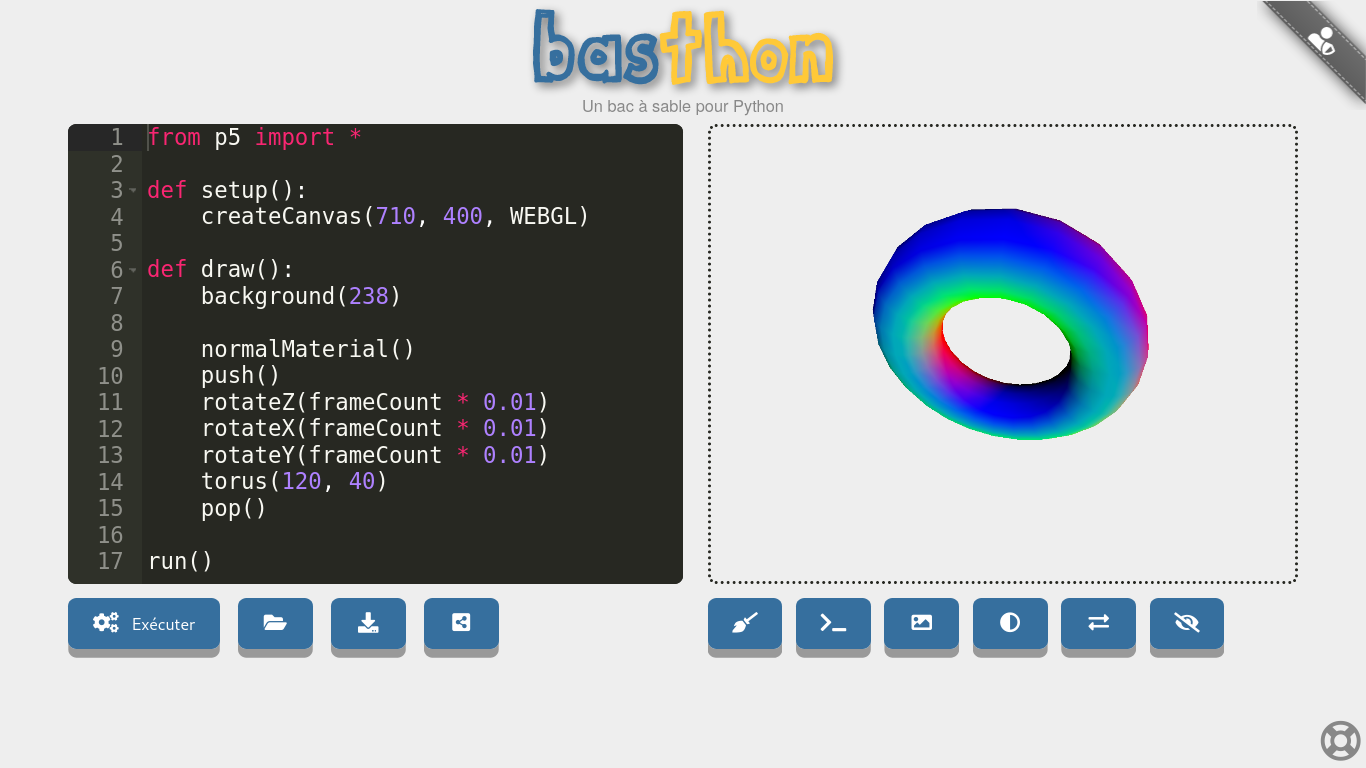
The p5.js library is available too, to animate objects, display 3D models, interact with the user…
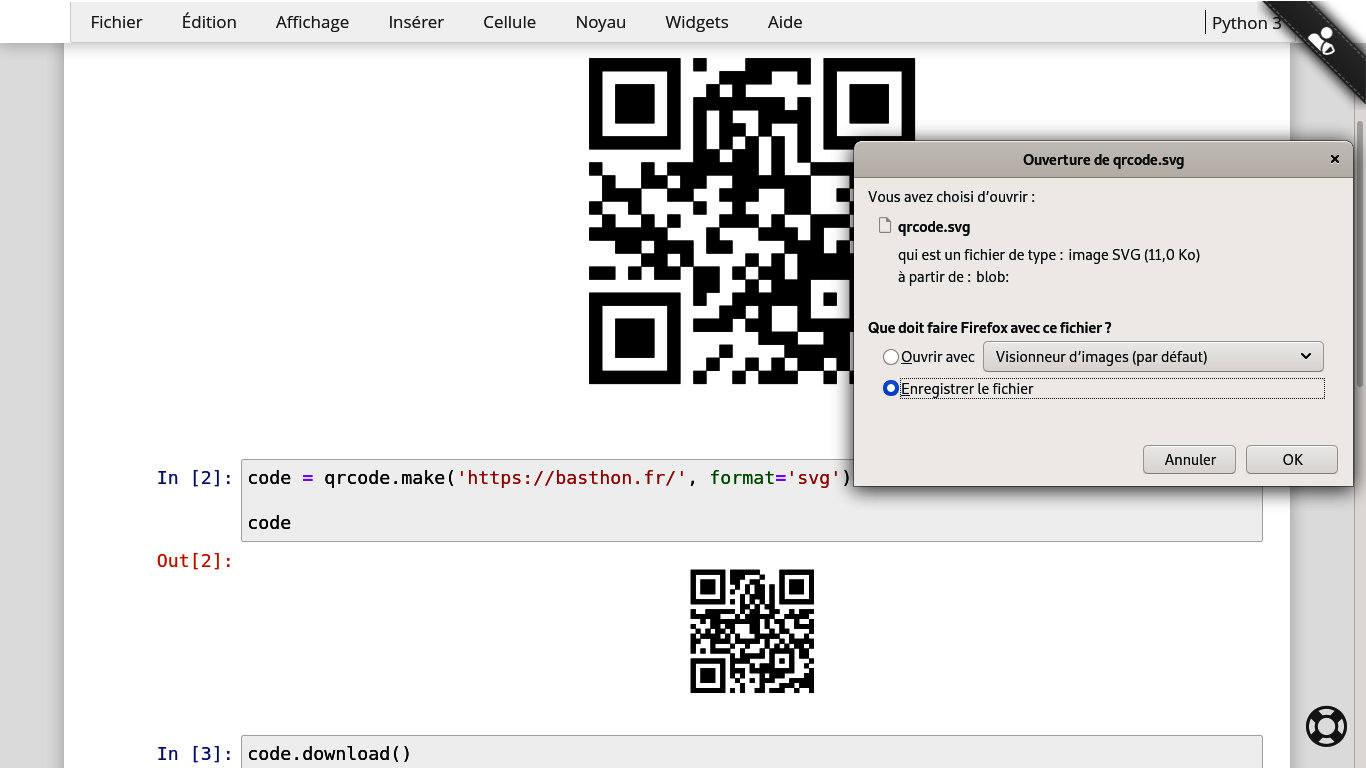
QR codes are easy to make with the qrcode module, and PythonTutor shows the run of a program as a diagram.
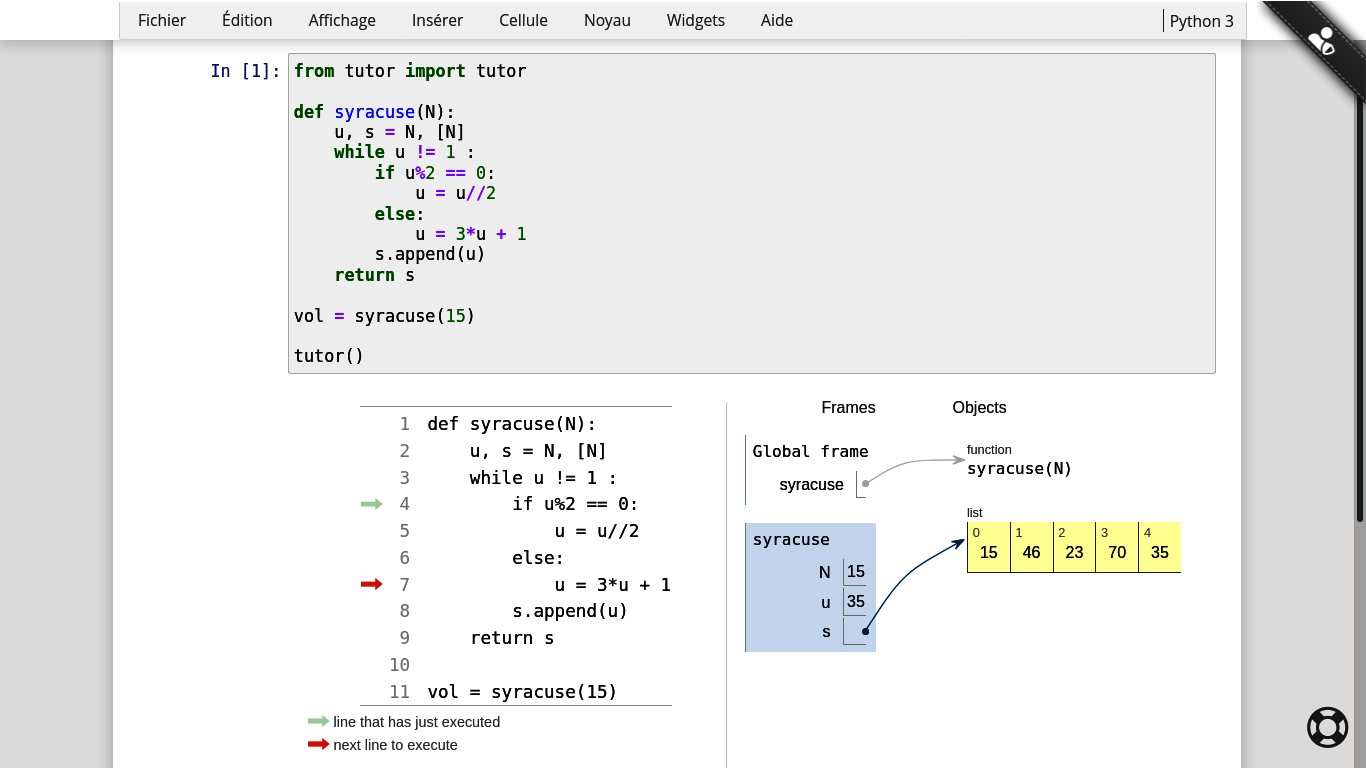
By the way, if you like PythonTutor, you will probably enjoy the lolviz and rcviz modules, which show data structures and recursive function calls respectively:
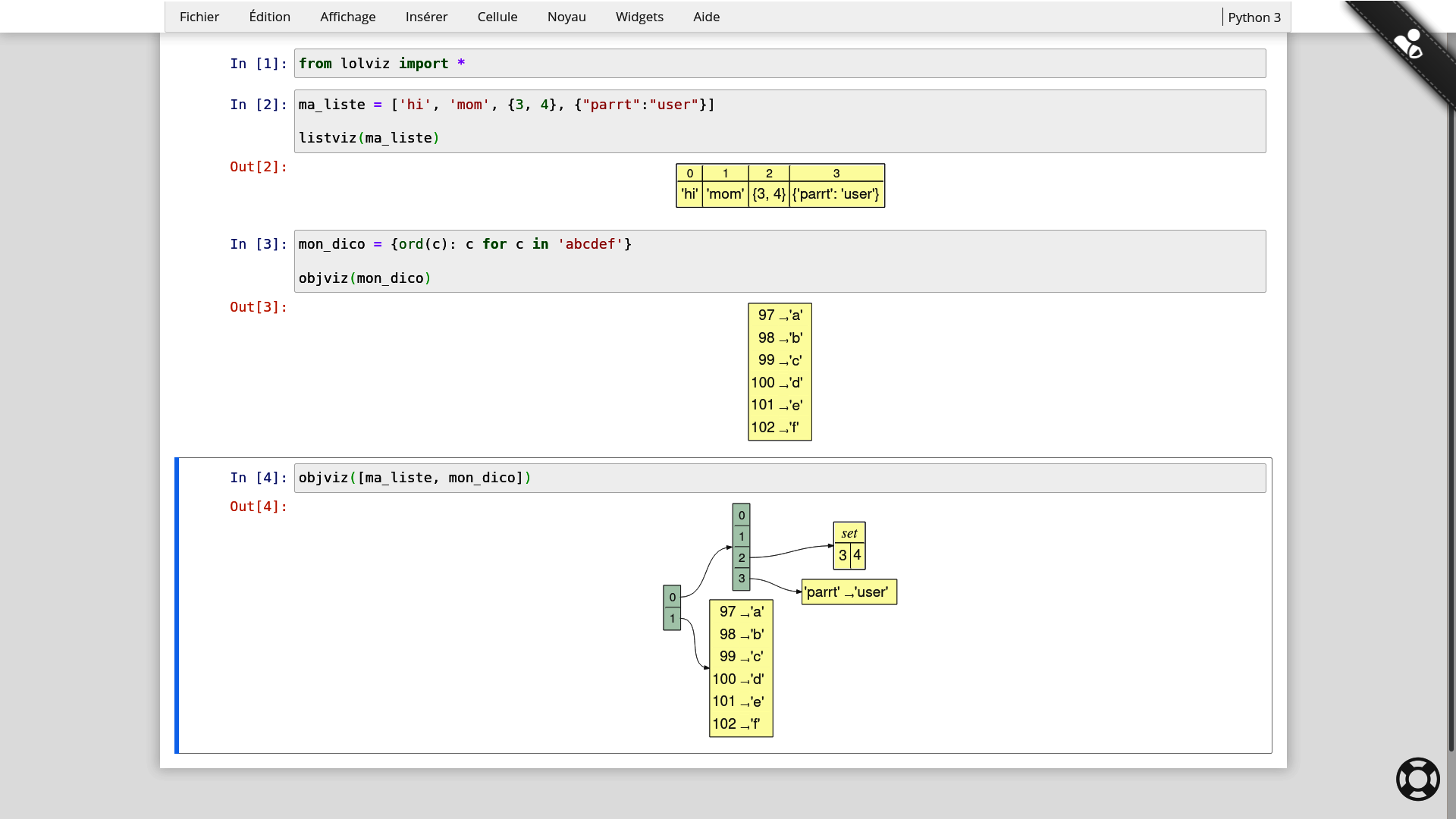
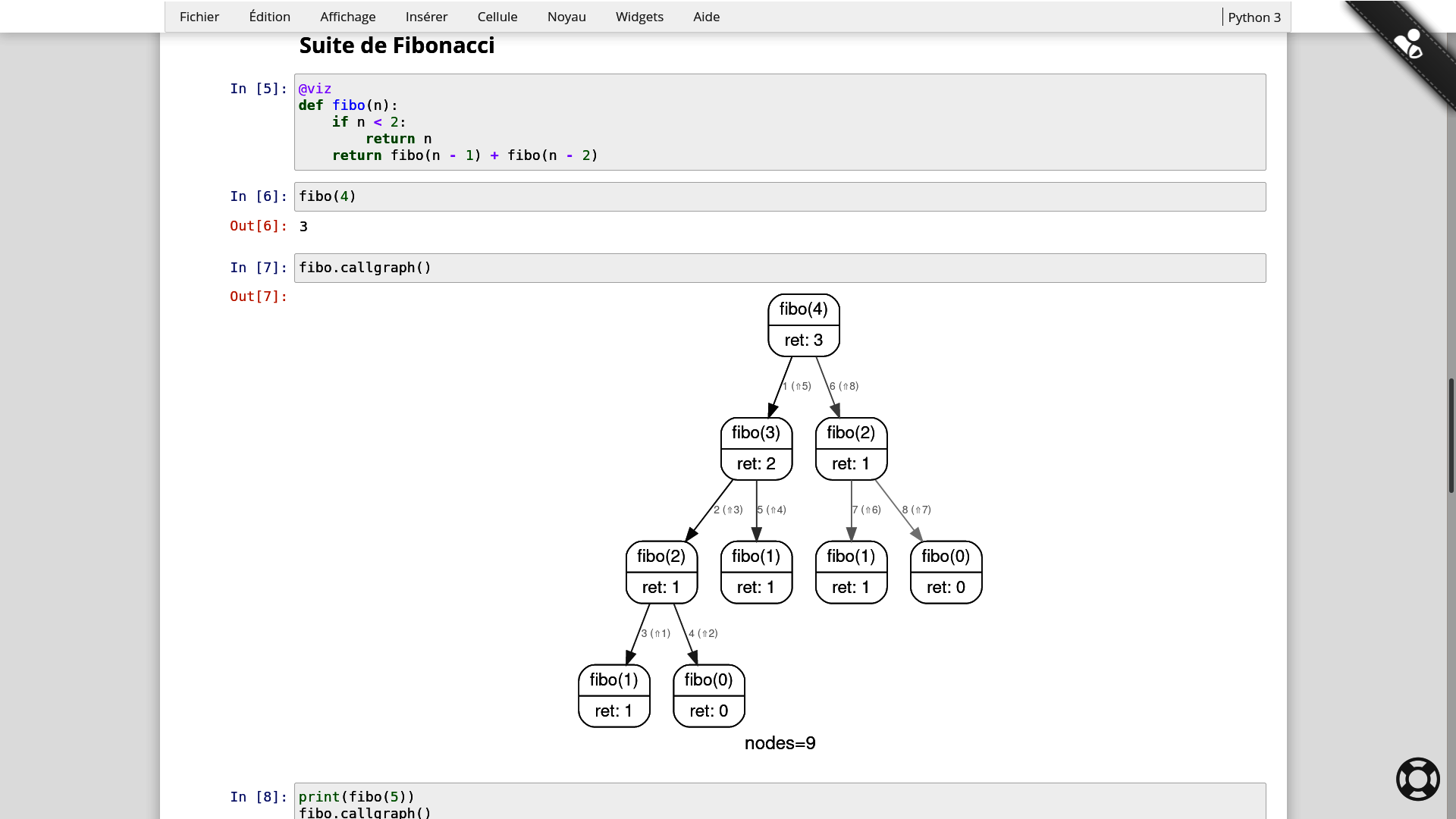
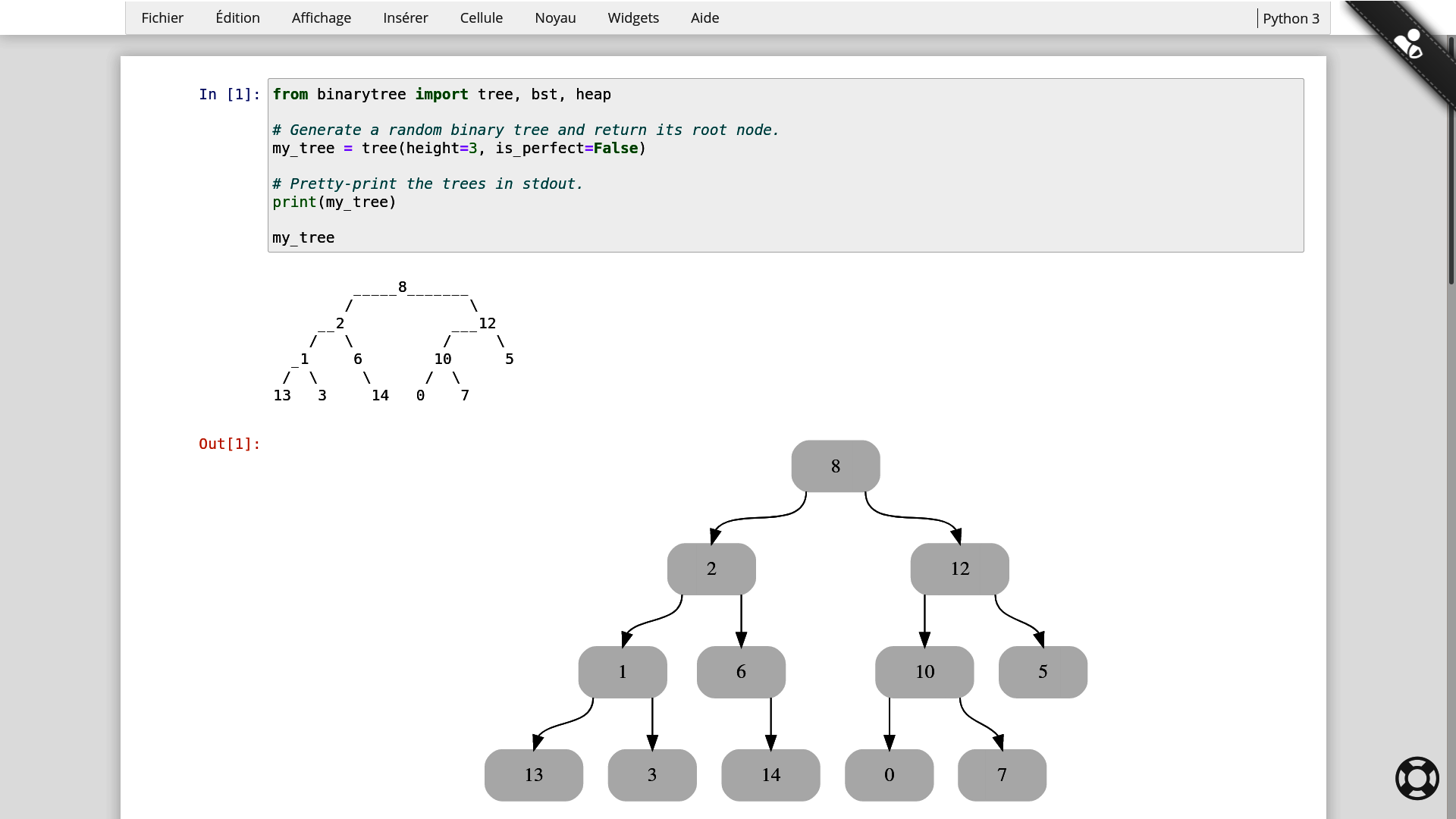
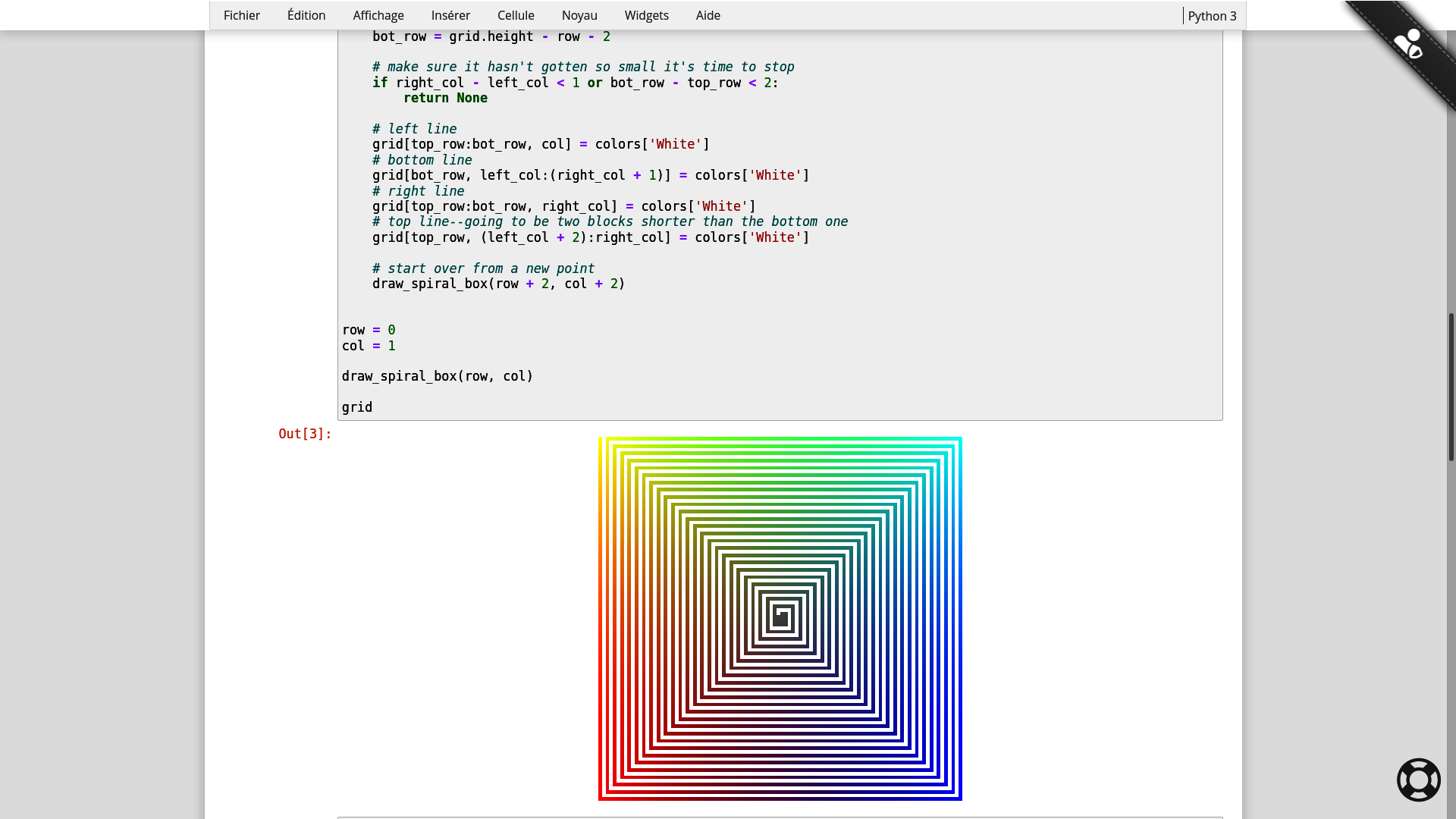
There is also binarytree to handle and display binary trees, and ipythonblocks to learn Python visually:
Info
The documentation specific to some modules is on the Modules adapted to Basthon page.
The Python modules available in Basthon
In the console as in the notebook, the help('modules') command lists the modules that Python can import. Its output is given on the Available Python modules page. The documentation specific to some modules is on the Modules adapted to Basthon page.
Advanced use
To go further, see the pages on isolated kernels, the self-assessment of Python notebooks and the API of the basthon Python module.
Licence and credits
This documentation is released under the Creative Commons "Attribution – NonCommercial – ShareAlike 4.0 International" licence.
- The Basthon logo was made with the KeyTabMetal font published by Tension Type on dafont.com.
- The icons are those of the Font Awesome font.
Info
More information on the third-party resources used in Basthon here.