Python

pytest tests with ipytest
The ipytest module is available in Basthon. It lets you write pytest tests directly in the console or in a cell of the notebook:
import ipytest
ipytest.autoconfig()

def mean(marks):
    return sum(marks) / len(marks)

def test_mean():
    assert mean([10, 12, 14]) == 12

def test_empty_list():
    assert mean([]) == 0

ipytest.run()asserts are detailed as with pytest: you see straight away which test fails and why. The %%ipytest magic command does not exist in Basthon: call ipytest.run().
Interactive matplotlib figures
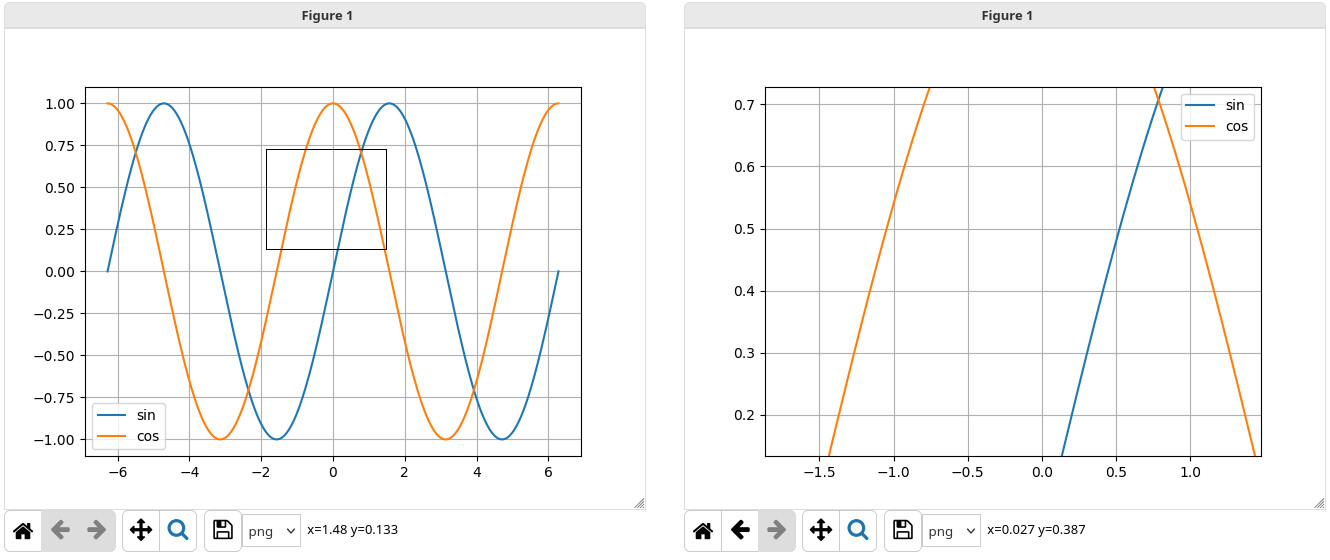
With isolated kernels, Basthon's matplotlib figures become interactive: zoom, pan, back to previous views, coordinates shown under the mouse… The figure is computed in the kernel, then shown in an isolated frame, with its toolbar.
Mouse and keyboard events (mpl_connect) and animations work too, and the figure is exported as PNG, SVG or PDF with the download button.
p5 in isolated kernels
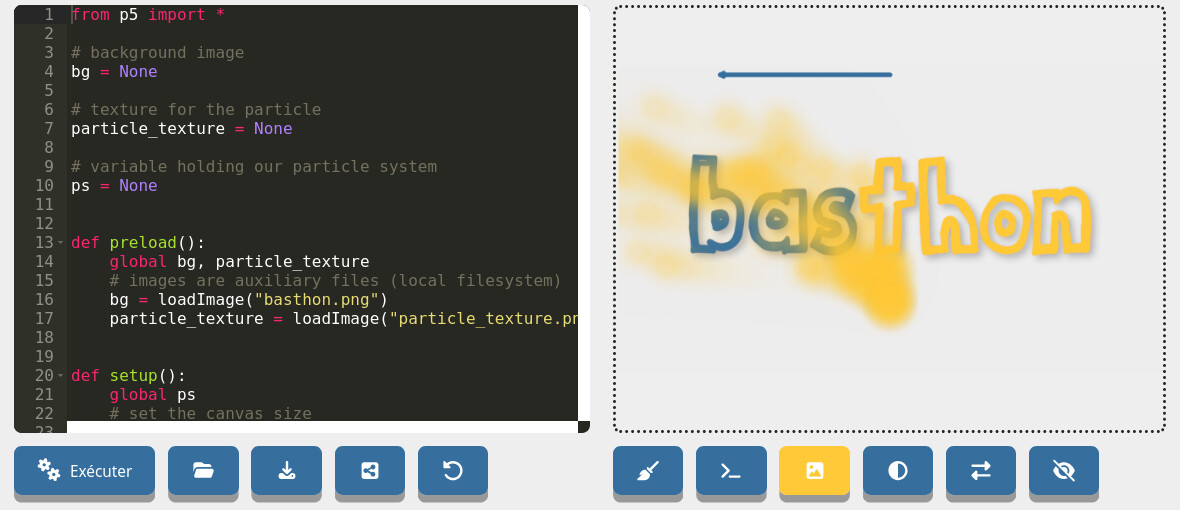
The p5 module now works with Basthon's isolated kernels. The drawing is computed in the kernel, then shown in a frame isolated from the page, which passes it the interactions: mouse, keyboard and touch screen. Images (loadImage) and HTML elements (createButton, createSlider…) are supported too.
A teacher's password to unlock the rest of the notebook
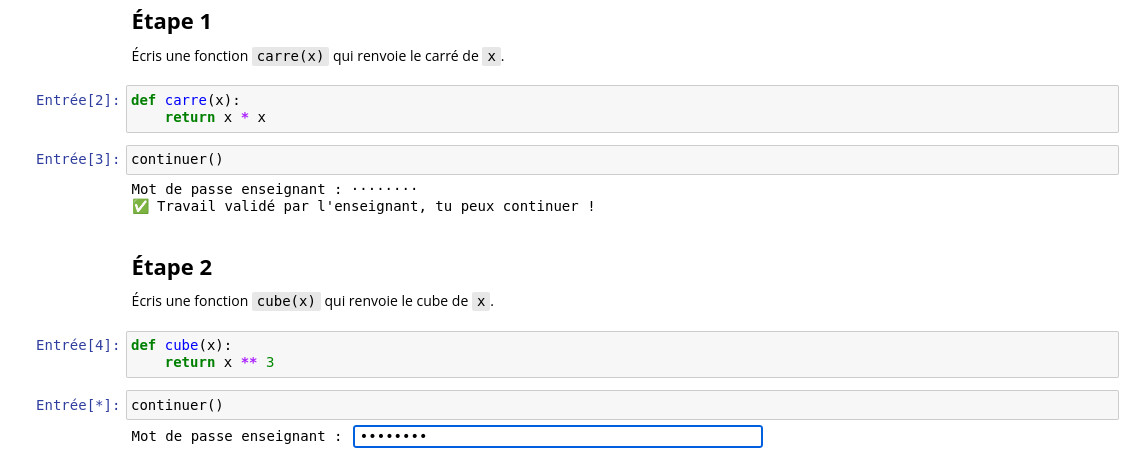
Basthon's input function can now hide what is typed:
pwd = input("Password: ", password=True)The standard getpass module benefits from it too: getpass.getpass() now shows a real password field.
Combined with the sequenced notebook, this novelty lets the teacher validate each step of an activity, walking around the class and typing their password.
drawsvg 2
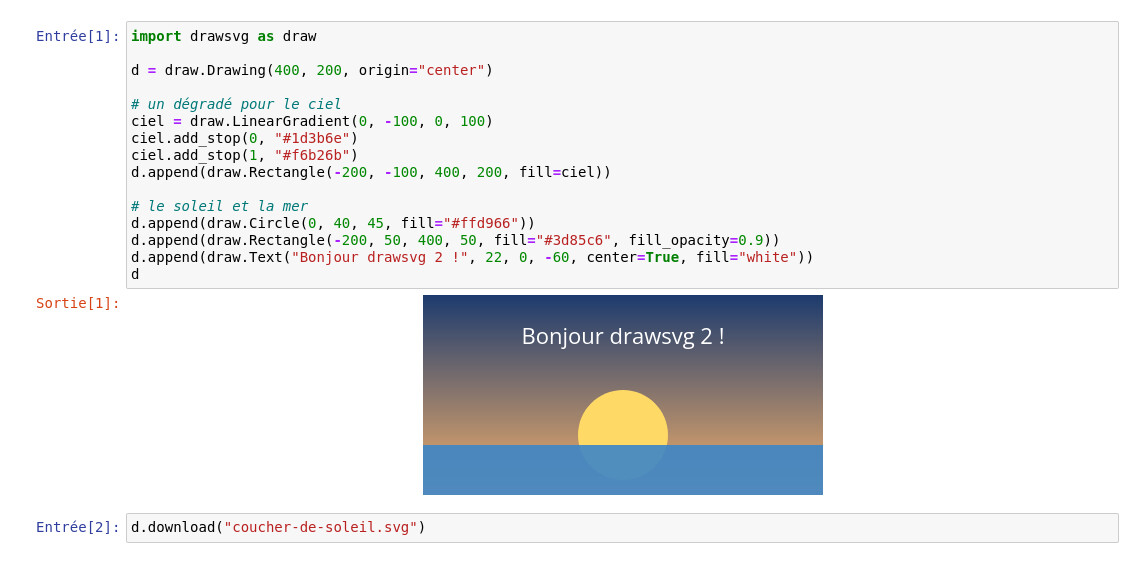
Version 2 of the drawsvg module is available in Basthon's Python kernel, next to the old drawSvg version. Shapes, texts, gradients, animations… drawings are shown directly and downloaded as SVG with d.download().